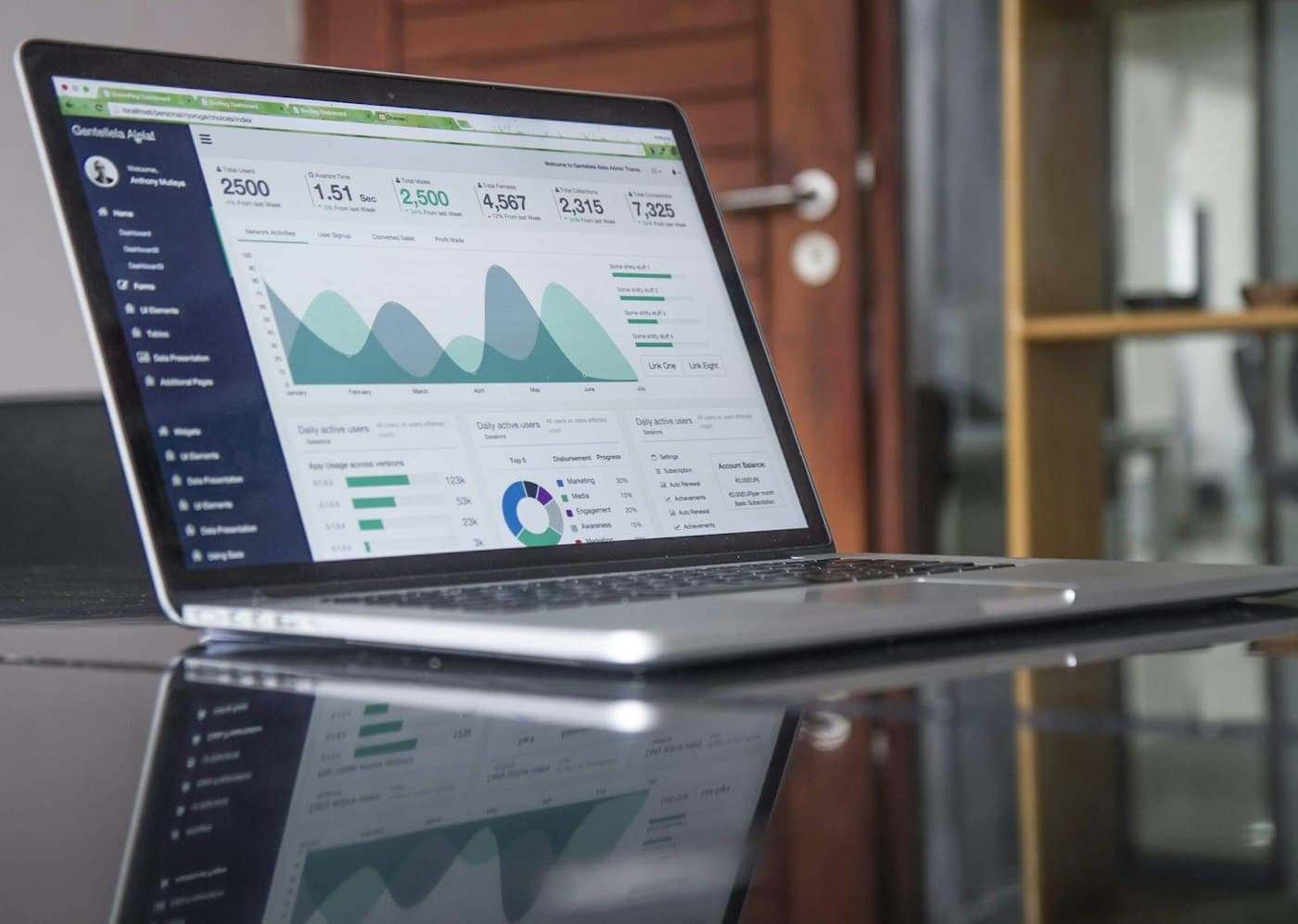
Giving investors a product demo login means creating access to a working version of your product so an investor, or someone they bring in, can try it without you in the room. Done well, it is one of the most convincing things a founder can share. Done carelessly, it hands an outsider real customer records or a view of features you are not ready to discuss. The safe pattern is simple: a separate demo tenant, synthetic data, one named account per investor, an expiry date and a short written guide.
Which demo format fits which stage?
Not every investor needs a login. Most early conversations are better served by a short video or a live walkthrough. A self-serve account makes sense when someone is doing real diligence and wants to explore at their own pace.
| Format | Best for | Effort for you | Risk | What the investor learns |
|---|---|---|---|---|
| Recorded walkthrough (2 to 4 minutes) | First meetings, cold outreach, Demo Day follow-up | Low, once | Very low | What the product does |
| Live guided demo on a call | Partner meetings, second calls | Medium, each time | Low | How you think about the user |
| Self-serve sandbox login | Diligence, a partner who wants to try it | Medium to set up, low after | Medium if set up badly | How it feels to use |
| Read-only access to production | Rarely appropriate | Low | High | Real usage, but at the cost of customer privacy |
| Access through a customer’s account | Never without the customer’s written consent | Low | Very high | Nothing a sandbox cannot show |
For hardware, deep tech or biotech companies, the equivalent of a login is a lab visit, a recorded test run or a data package. The same rules about separation and permission apply.
What should a demo environment contain?
A demo environment is a copy of the product that runs on its own data. For a software company, that usually means a separate tenant or workspace, populated with synthetic records that look realistic: a fictional company with a few hundred contacts, a year of invented activity and a handful of reports with sensible numbers.
Good demo data does three things. It makes the product look the way a real customer sees it after a few months of use, not on day one. It tells a small story, such as a sales team that improved its close rate. And it contains nothing that could identify a real person or customer.
Set up the demo environment
- A separate tenant or workspace, not a filtered view of production
- Synthetic data only: no copied customer records, even with names changed
- Realistic volume and history so charts and reports show something meaningful
- Unreleased features switched off unless you have chosen to show them
- Admin, billing and internal support screens hidden from investor accounts
- Outbound email, payments and integrations disabled or pointed at test endpoints
- A reset script so the environment can be restored after each investor session
The last two items catch founders out. An investor who clicks “send invoice” in a demo tenant connected to a live payment processor or email service can trigger real messages to real addresses. Disable outbound actions or route them to a test system.
Why should you never share production access?
Your customers trusted you with their data under your terms of service and privacy policy, and often under a signed contract with confidentiality terms. Those documents rarely, if ever, allow you to show their records to prospective investors. Showing real data can breach the contract, and depending on the data it can raise privacy issues under state privacy laws, the EU GDPR for European users, or HIPAA where protected health information is involved.
There is also a commercial reason. An investor’s associate may later work at or advise a competitor. Synthetic data shows the product just as well and carries none of that risk.
How should you set up investor accounts?
Treat investor accounts the way you would treat a contractor’s: named, limited and temporary. A shared “investor@yourcompany” login is convenient, but you cannot tell who used it or switch one person off.
| Setting | Recommended | Why |
|---|---|---|
| Account per person | Yes, named with their work email | You can see who used it and revoke one person |
| Role | A standard user role, not admin | Admin screens show settings, users and billing you do not need to share |
| Two-step login | On, if the product supports it | Reduces the risk of a forwarded password being used |
| Expiry | 14 to 30 days, extendable | Old investor accounts are a common loose end |
| Password delivery | Invitation link, or password sent separately from the username | A single email with both is easy to forward |
| Activity logging | On | Shows whether the investor actually tried the product |
| Terms | A short click-through or a line in the NDA | Sets expectations about confidentiality |
Keep a simple list of every investor account: who, when created, when it expires and when it was closed. That list belongs in your security records and is a small sign of operational maturity that a technical reviewer may notice.
What does the lifecycle of a demo account look like?
An investor demo account from start to finish
- RequestInvestor asks to try the product after a call.
- CreateNamed account in the demo tenant, standard role, expiry set.
- ShareInvitation link plus a one-page guide in the data room.
- WatchCheck the activity log; follow up on what they explored.
- CloseDisable at expiry or when the process ends; reset the data.
The “watch” step is useful as a signal, not as surveillance. If an investor logs in twice and spends most of the time in reporting, ask about reporting on your next call. If they never log in, the login was not what they needed, and a short video might serve better.
How do you share the demo through the data room?
The data room is the natural home for everything around the demo: the recorded walkthrough, the one-page guide, the login instructions and a note on what the demo data represents. Put them in a product folder and keep the actual credentials out of the room.
Rooms differ in how much control they give over a video or guide. Of the 17 rooms in our ranking, 15 list view-only and download control, 17 list dynamic watermarks and 17 list a per-viewer activity log. These are the settings that matter for a walkthrough you do not want copied or forwarded.
Rooms with the controls that matter for demo material
| Provider | Score | Price | Trial | View-only and download control | Dynamic watermarks | Viewer activity log | Two-step login |
|---|---|---|---|---|---|---|---|
| Ellty | 9.2 | $149 monthly | 14-day free trial | ||||
| iDeals | 8.2 | Quote only | Free trial offered | ||||
| Firmex | 8.1 | Quote only | Free trial offered | ||||
| SecureDocs | 8.1 | $250 monthly | Free trial offered | ||||
| Digify | 7.0 | $120 monthly | Free trial offered | ||||
| DocSend | 6.6 | $45 per seat monthly | Free trial offered |
For a full comparison across all five of our measures, see the ranking of data rooms for startups, or open a single review such as DocSend or Digify for deck-sharing tools.
What should the one-page demo guide say?
Investors are busy and will not explore a product without a reason. A one-page guide gives them a path. Keep it to five parts:
- Who the demo company is. “Northfield Logistics, a fictional 40-person freight broker using the product for eight months.”
- Three things to try. Each with a single sentence on why it matters to the customer.
- What is not in the demo. “Integrations with carriers’ systems are switched off here; a recorded example is in the folder.”
- How long access lasts. And who to ask for more time.
- Who to contact. A founder’s name and email for questions.
A guide like this turns a login into a short, structured experience. It also tells a technical reviewer which parts are real and which are simulated, which avoids confusion in later diligence.
What about products that are not ready to show?
Pre-launch companies often worry that a demo will undersell the product. A rough prototype is normal at pre-seed and seed, and investors at those stages are used to judging an idea from a clickable mockup, a short screen recording or a working slice of one feature.
The rule is to be clear about what is real. Label mockups as mockups. If a screen shows data that is generated or hard-coded, say so in the guide. If a feature works only for one test account, do not let an investor discover that by trying a second one. An investor who later finds that a “working product” was a set of static screens will question everything else in the room.
Equally, do not wait for a perfect demo to start raising. A recorded walkthrough of the part that works, plus a short roadmap of what comes next, is usually enough. You can offer a login later, once the product can stand on its own without you narrating.
What changes in technical diligence?
At Series A and later, a technical reviewer may want more than a sandbox. They might ask to see the code, the infrastructure or production monitoring. That is a different exercise from a product demo, usually done in a guided session with your CTO and covered by the NDA. The SaaS startups page and the technical due diligence checklist for startups explain what reviewers ask for and how to share it without handing over repository access.
How do you set it up in an afternoon?
Give investors a product demo login
- 1Create a demo tenant
Spin up a separate workspace or tenant that does not share data with production.
- 2Load synthetic data
Generate a fictional customer with realistic volume and history, and no real personal data.
- 3Lock down the edges
Disable outbound email, payments and live integrations, and hide admin and billing screens.
- 4Write the guide
One page: who the demo company is, three things to try, what is not shown, expiry and a contact.
- 5Invite each investor
Create a named account with a standard role, two-step login if available and an expiry date.
- 6Close and reset
Disable accounts at expiry or when the process ends, and run the reset script.
Record the walkthrough video while the environment is fresh. It will serve every investor who does not need hands-on access, which is most of them.